10 Best FLUX Prompts
Copy, paste, and generate stunning AI images. Each prompt is carefully crafted and tested with FLUX.2 [max].
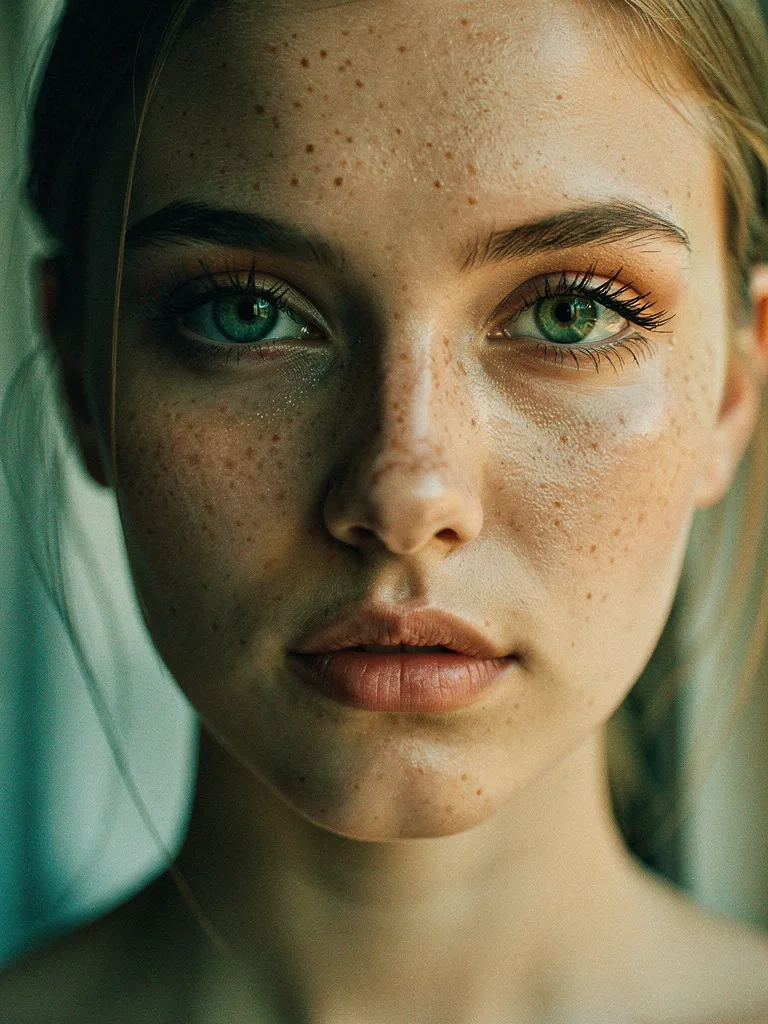
Cinematic Female Portrait
A young woman with flowing auburn hair, dramatic side lighting in golden hour, shallow depth of field with bokeh background, natural freckles, emerald...
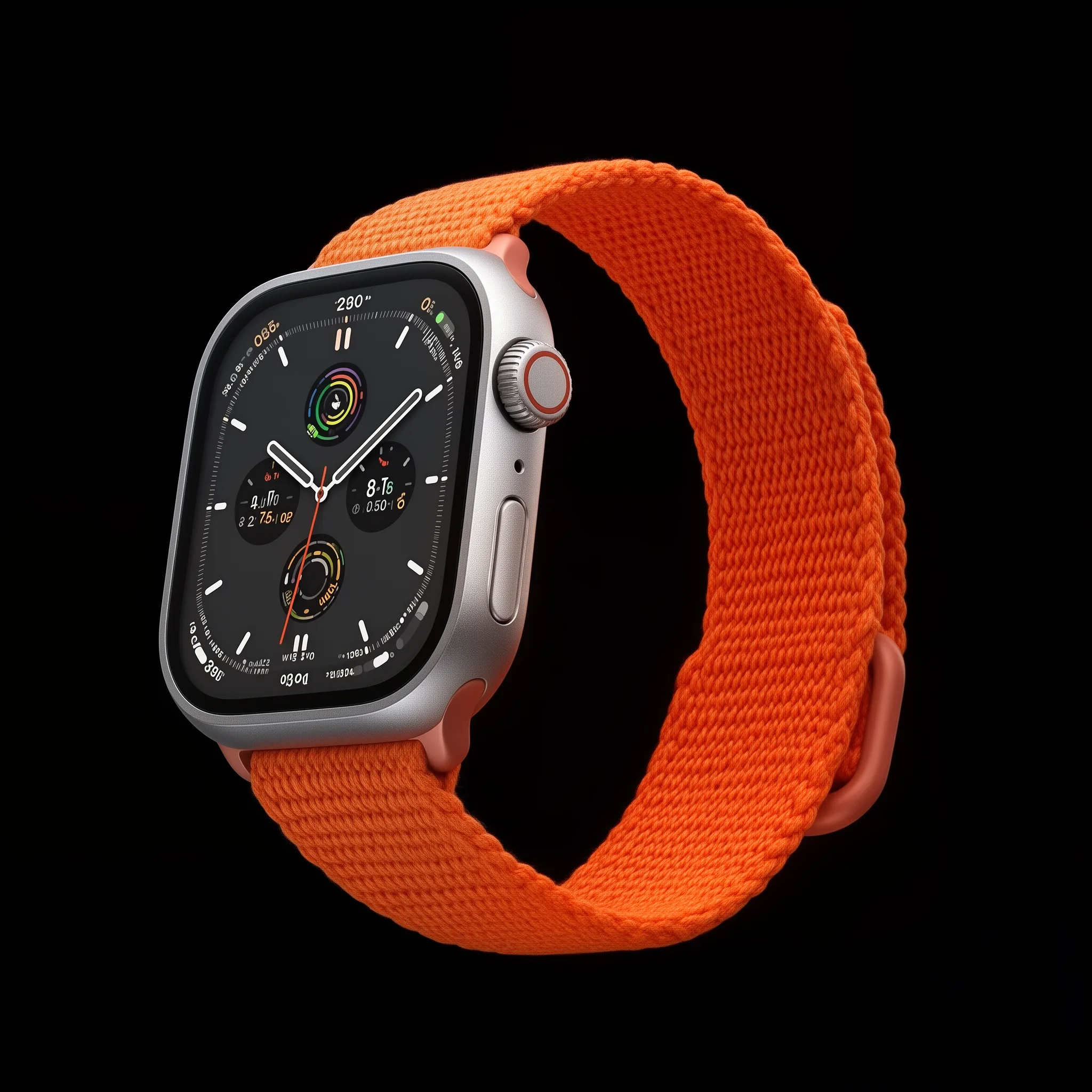
Apple-style Product Shot
A sleek Apple Watch Ultra 2 floating in mid-air against a pure black background, soft studio lighting creating subtle reflections on the titanium case...
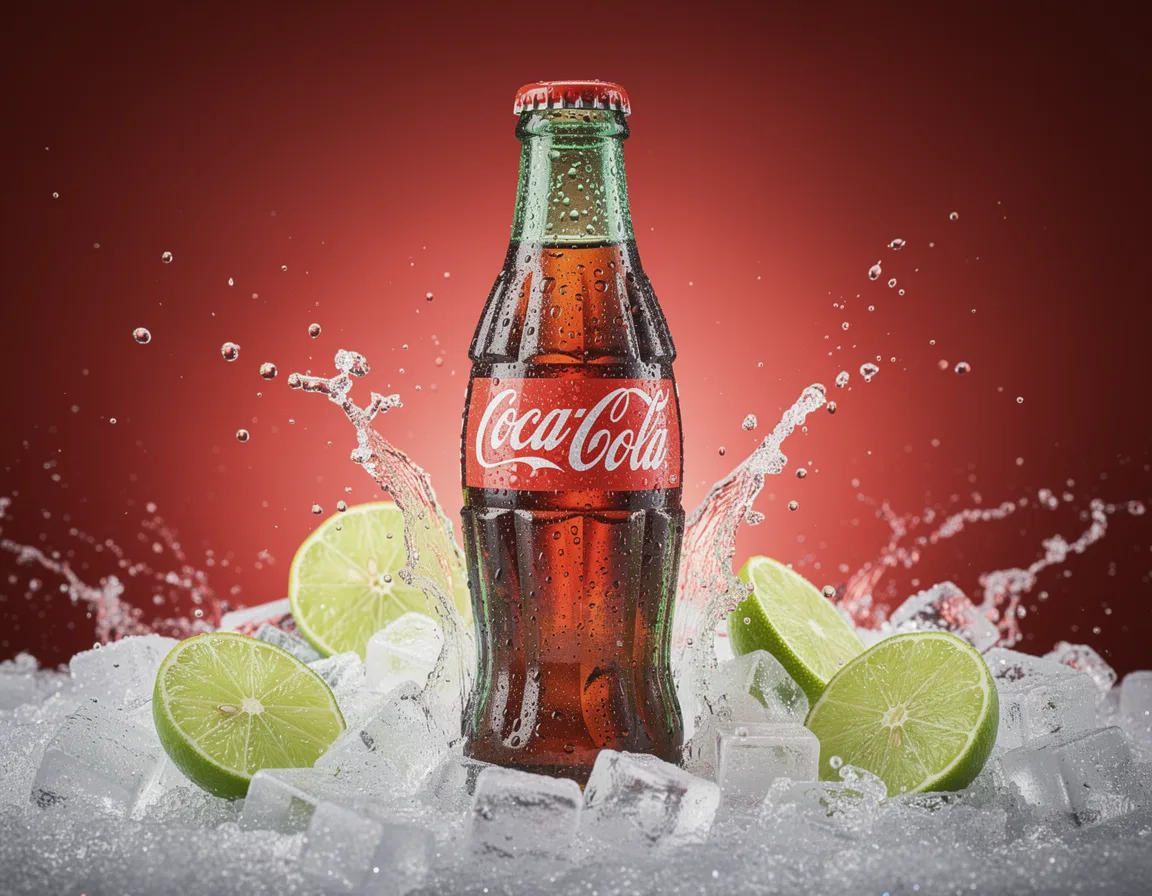
Coca-Cola Commercial
An ice-cold Coca-Cola bottle covered in condensation droplets, surrounded by crushed ice and fresh lime slices, red backdrop with dramatic studio ligh...
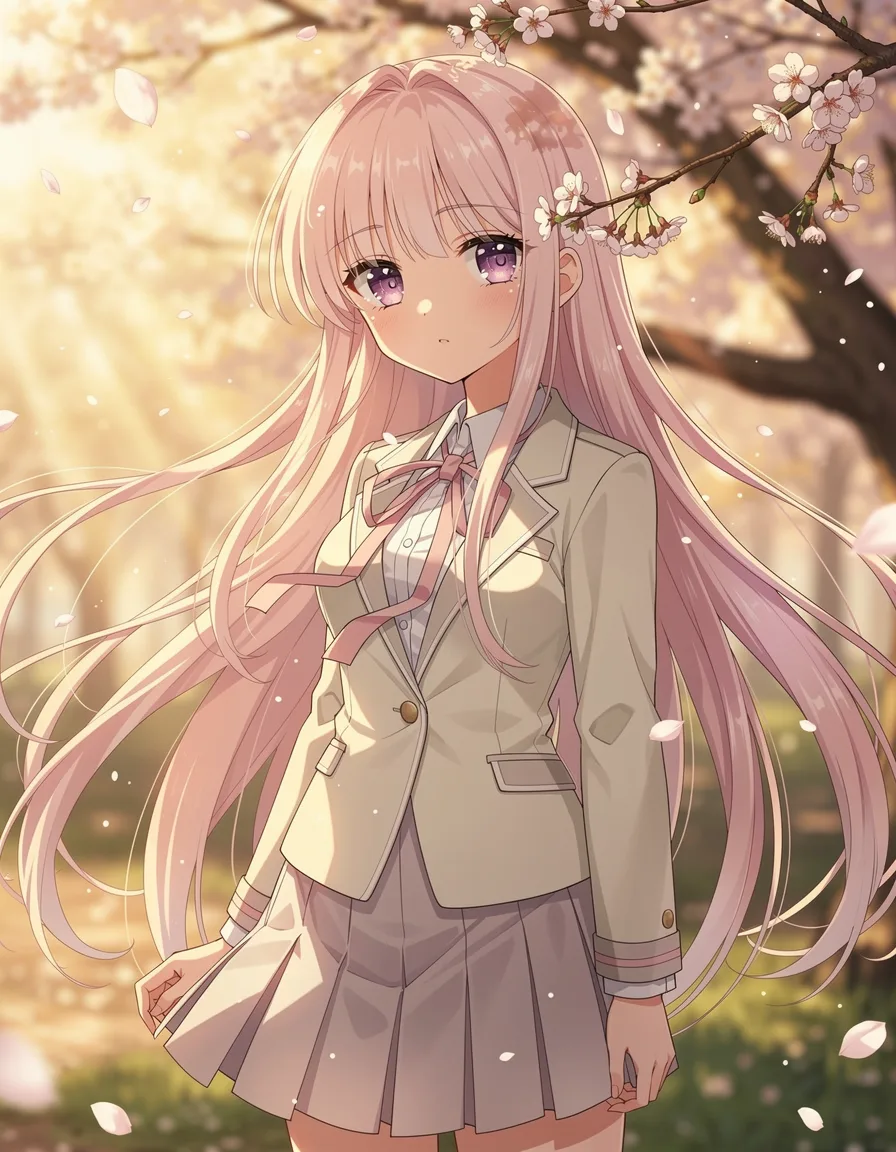
Anime Character Portrait
A stunning anime character with vibrant purple hair and crystal blue eyes, wearing a futuristic cyberpunk outfit, neon city background with rain refle...
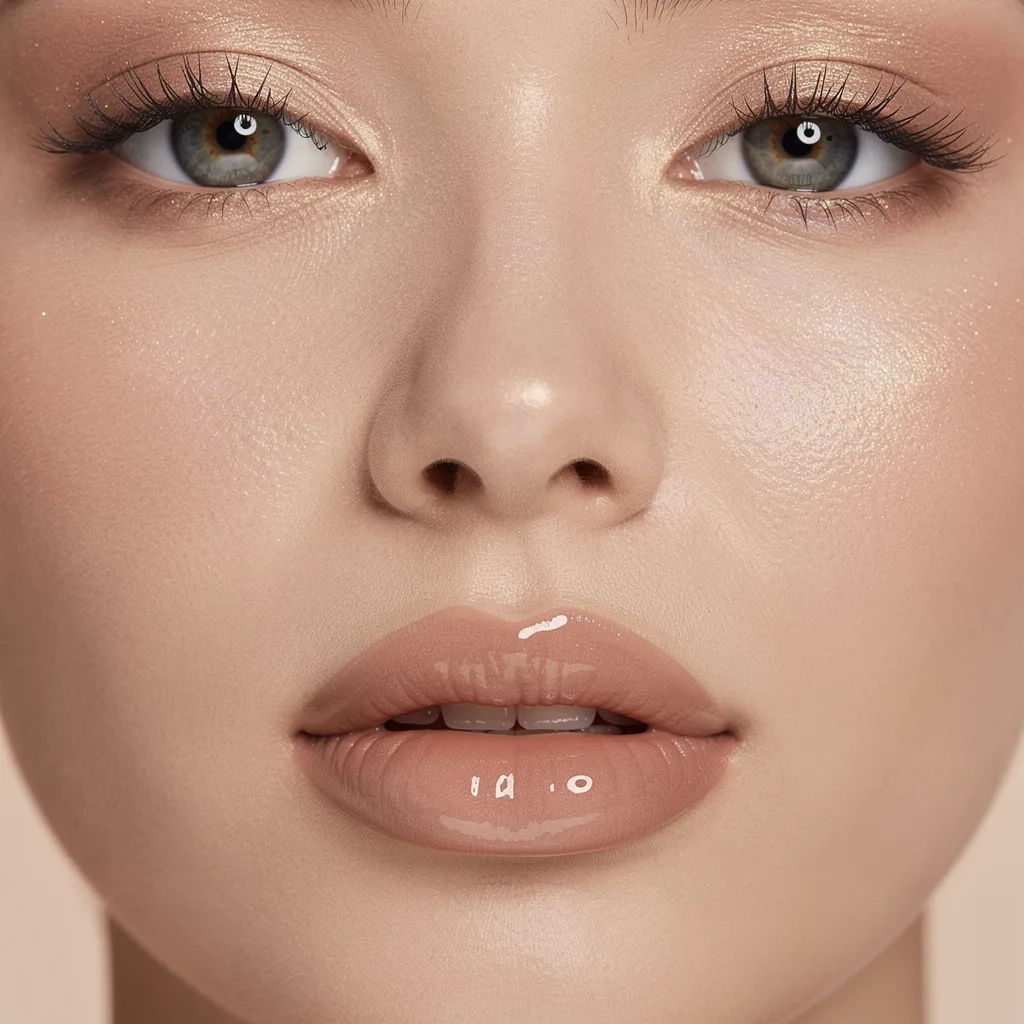
Beauty Close-up
Extreme close-up of a model's face with flawless dewy skin, iridescent highlighter on cheekbones, glossy lips, eyes with subtle shimmer, soft ring lig...
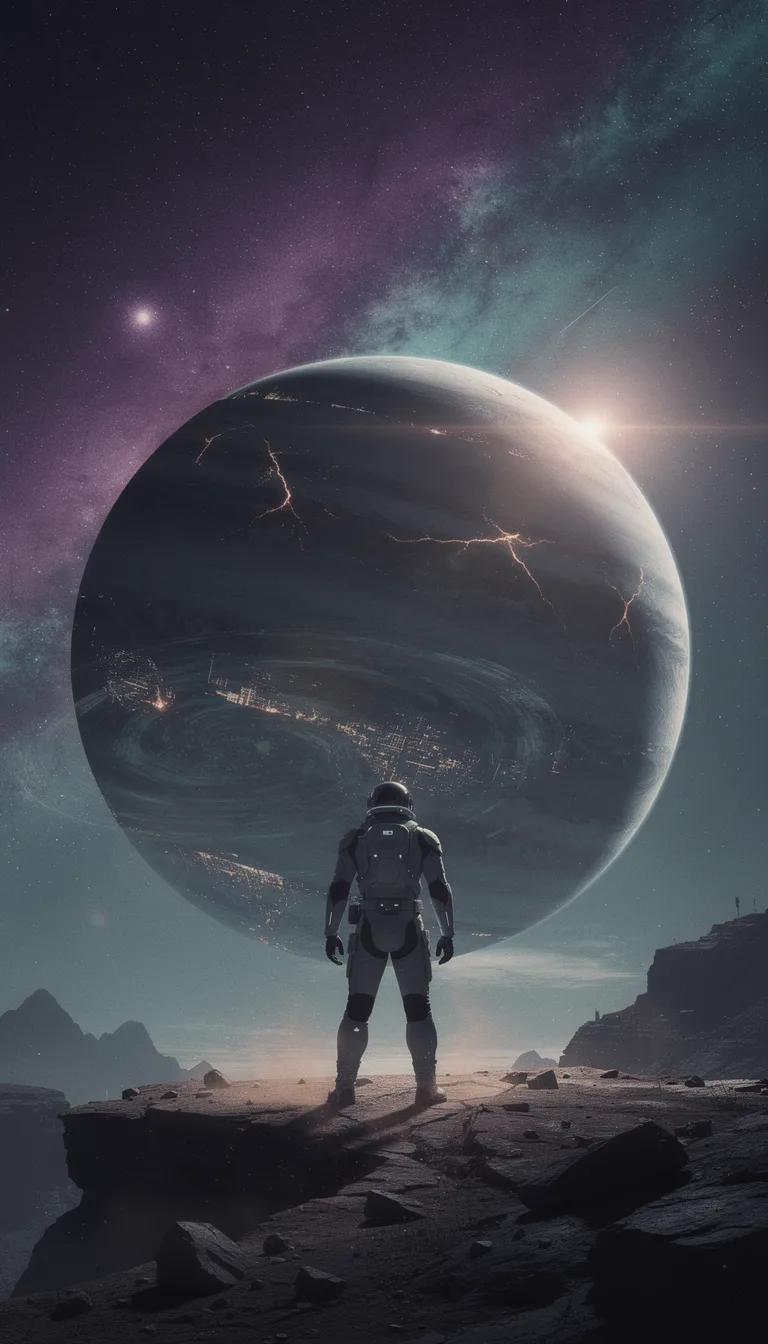
Sci-Fi Movie Poster
An epic sci-fi movie poster featuring a lone astronaut standing on a desolate alien planet, massive ringed planet in the sky, ethereal aurora borealis...
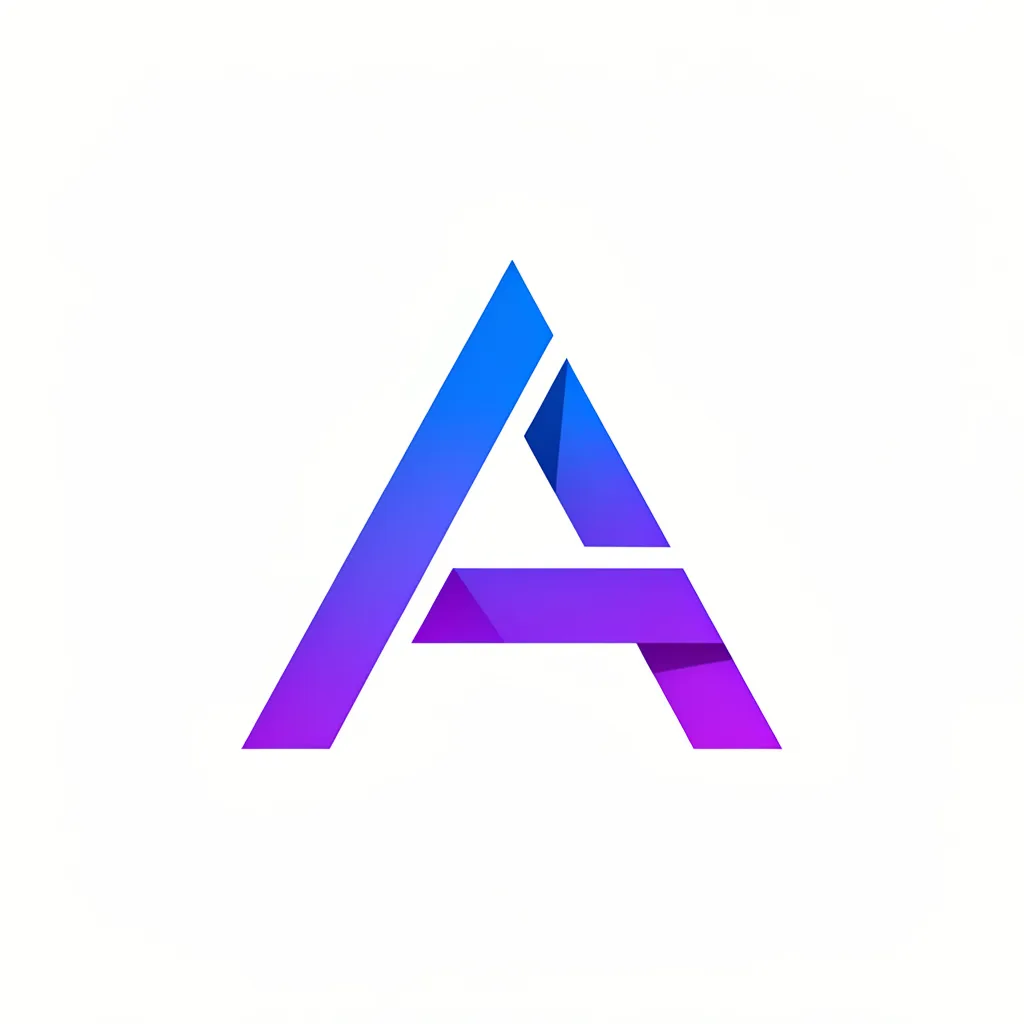
Tech Startup Logo
A modern minimalist logo for a tech startup, geometric abstract shape suggesting innovation and connectivity, gradient from electric blue to purple, c...
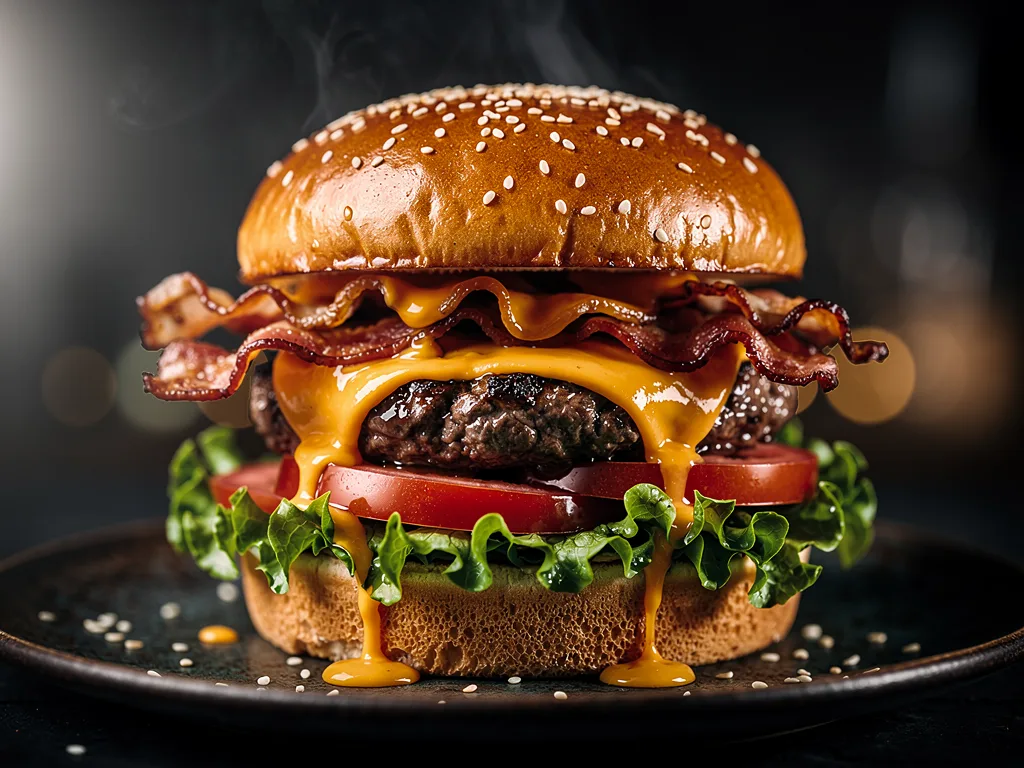
Gourmet Burger Close-up
A towering gourmet burger with melting cheese, crispy bacon, fresh lettuce and tomato, juicy beef patty, sesame seed bun, dramatic close-up with shall...
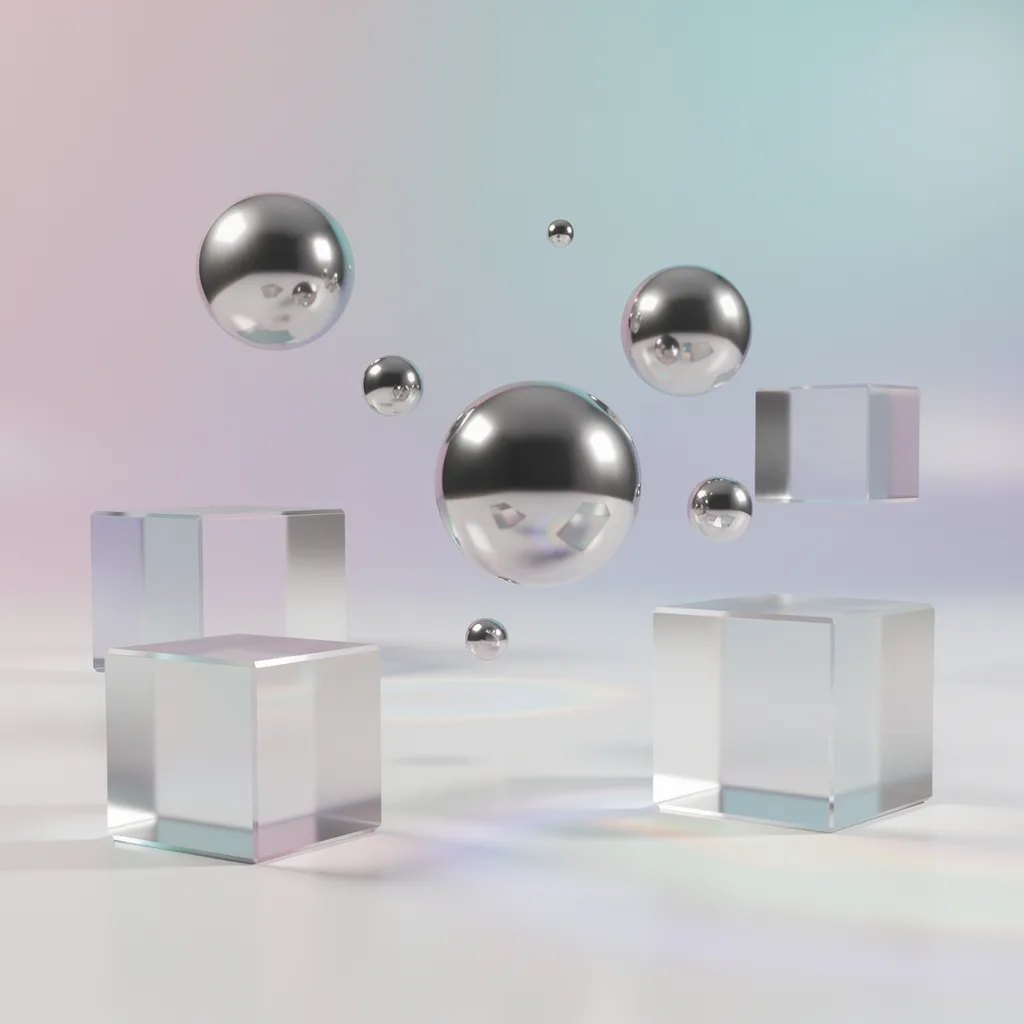
3D Floating Objects
Abstract 3D render of floating geometric shapes, iridescent spheres and glass cubes suspended in space, soft gradient background from pink to blue, st...
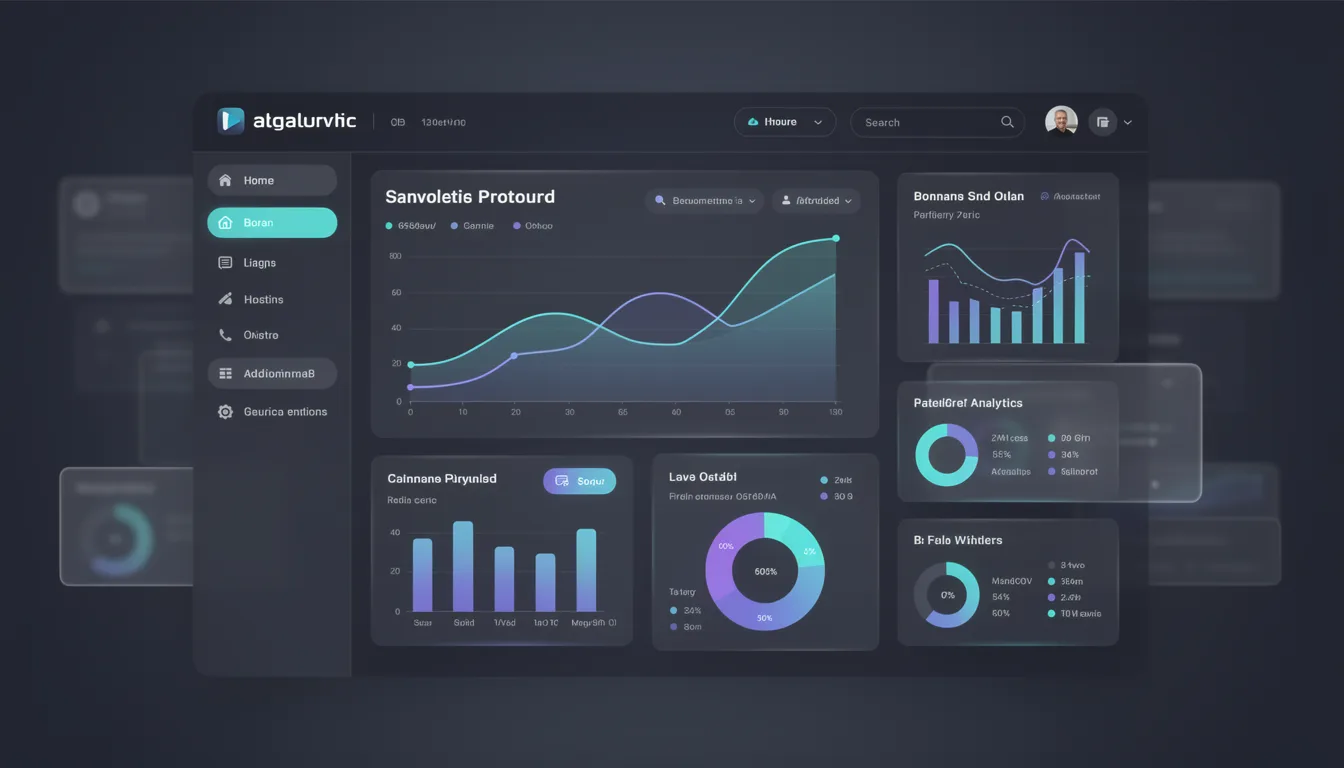
Dashboard Dark Mode
A sleek SaaS dashboard UI design in dark mode, featuring analytics charts and data visualizations, glassmorphism cards with subtle blur, neon accent c...
5 Tips for Better FLUX Prompts
Master these techniques to create stunning AI-generated images
1. Be Specific with Details
Include specific details about the subject, setting, and context. The more precise your description, the better the result.
💡 Instead of "a dog", try "a golden retriever puppy playing in autumn leaves"
2. Describe Lighting & Mood
Specify the lighting conditions and emotional tone. This dramatically affects the atmosphere of your image.
💡 Add phrases like "golden hour sunlight", "dramatic chiaroscuro", or "soft diffused lighting"
3. Use Style Keywords
Reference art styles, photography genres, or famous artists to guide the aesthetic direction.
💡 Try "cinematic", "Studio Ghibli style", "hyperrealistic", or "shot on Hasselblad"
4. Specify Camera & Composition
Mention camera angles, lens types, and composition styles for more professional results.
💡 Use "wide angle shot", "bokeh background", "close-up portrait", or "aerial view"
5. Iterate and Refine
Start with a basic prompt and gradually add details. Generate multiple variations to find your perfect image.
💡 Try different aspect ratios and quality settings for each prompt
Ready to Create Your Own?
Start generating stunning AI images with FLUX.2 [max] today.
Start Generating Now